

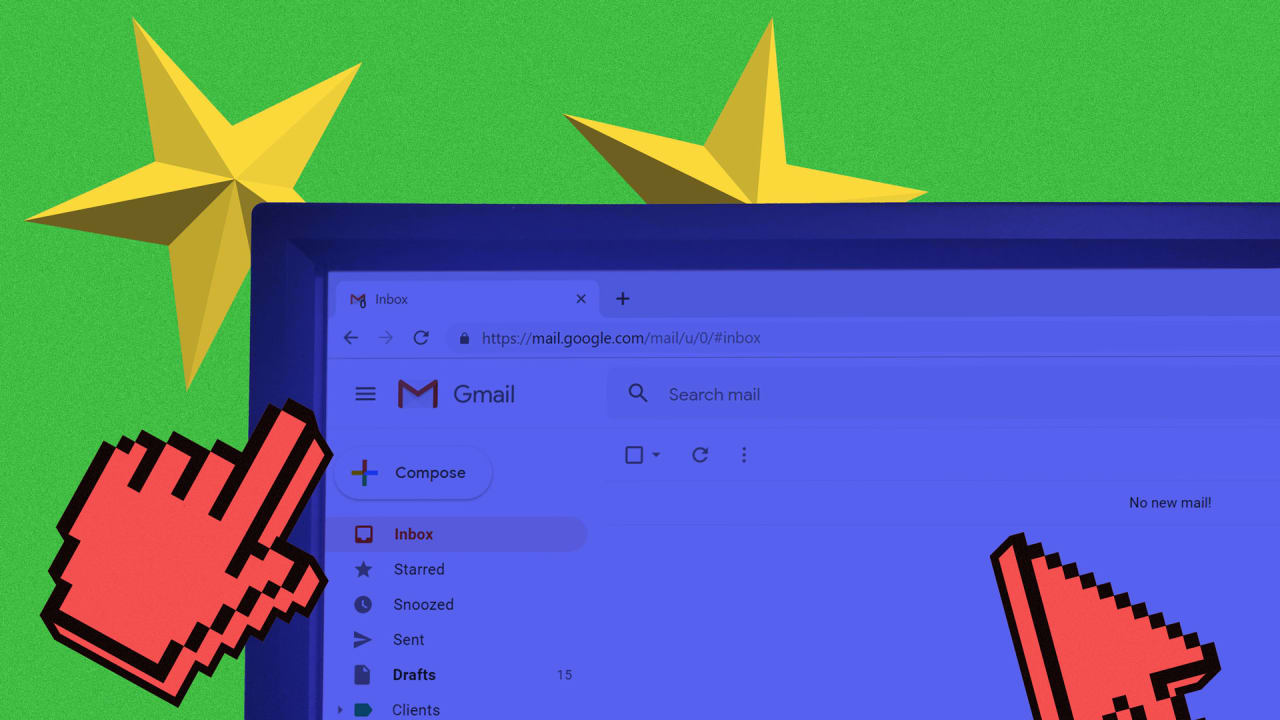

Sure, you spend most of the day with Gmail open in a browser tab. But have you ever really taken a good, long look under the hood? There are settings galore, some of which you’ll never touch, and others that are truly useful. Here’s a quick look at some of the useful ones.
To turn them on, we’ll need to muck about in the Gmail settings menu. To get there, click the little gear icon in the upper-right corner of the interface and then select “Settings” from the menu options.
1. Lengthen Undo Send’s time limit
You’ve fired off a blisteringly hot email lambasting a friend, family member, or co-worker. We’ve all done it. And right when you hit send, you regret it. Thankfully, Gmail’s Undo Send feature does just what it says: lets you undo the sending of a message before it actually goes anywhere. The default cancellation time is five seconds, but you can ratchet your cool-off period all the way up to 30 seconds. It’s the fourth option down under the General tab.
2. Reply…
Read More…
Source : fastcompany.com
Source link