


Last year, WordPress.com introduced new code editors for the block editor and the Additional CSS input box in the WordPress admin. This was the first stage of a larger effort to make editing code a more enjoyable experience.
Today, I’m happy to announce the launch of the second stage of that effort: introducing the new and improved Code block.
This is not a new block. It’s an enhancement to the current Code block that you’ve likely already been using, which includes several improvements over the original:
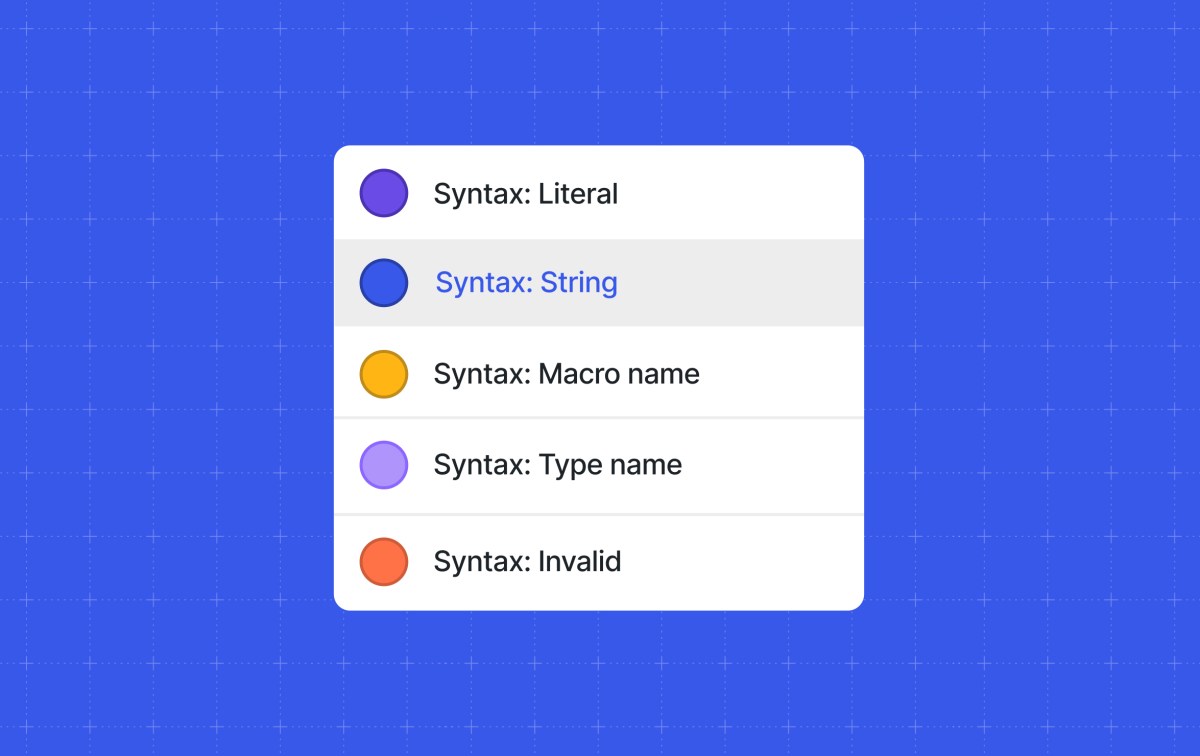
- Syntax highlighting: Supports color-based syntax highlighting for over 100 common languages.
- Configuration: Decide to show the filename, language name, line numbers, and even include a copy button for visitors.
- Drag-and-drop: Dragging a code file from your computer to the editor will automatically transform it to the Code block with the language set.
- Transforms: Transform other code-supported blocks on WordPress.com, such as Syntax Highlighter, to…
Contact Us For Managed WordPress Hosting and Development in Cyprus iBSC
Source WordPress Blog News
Source link